
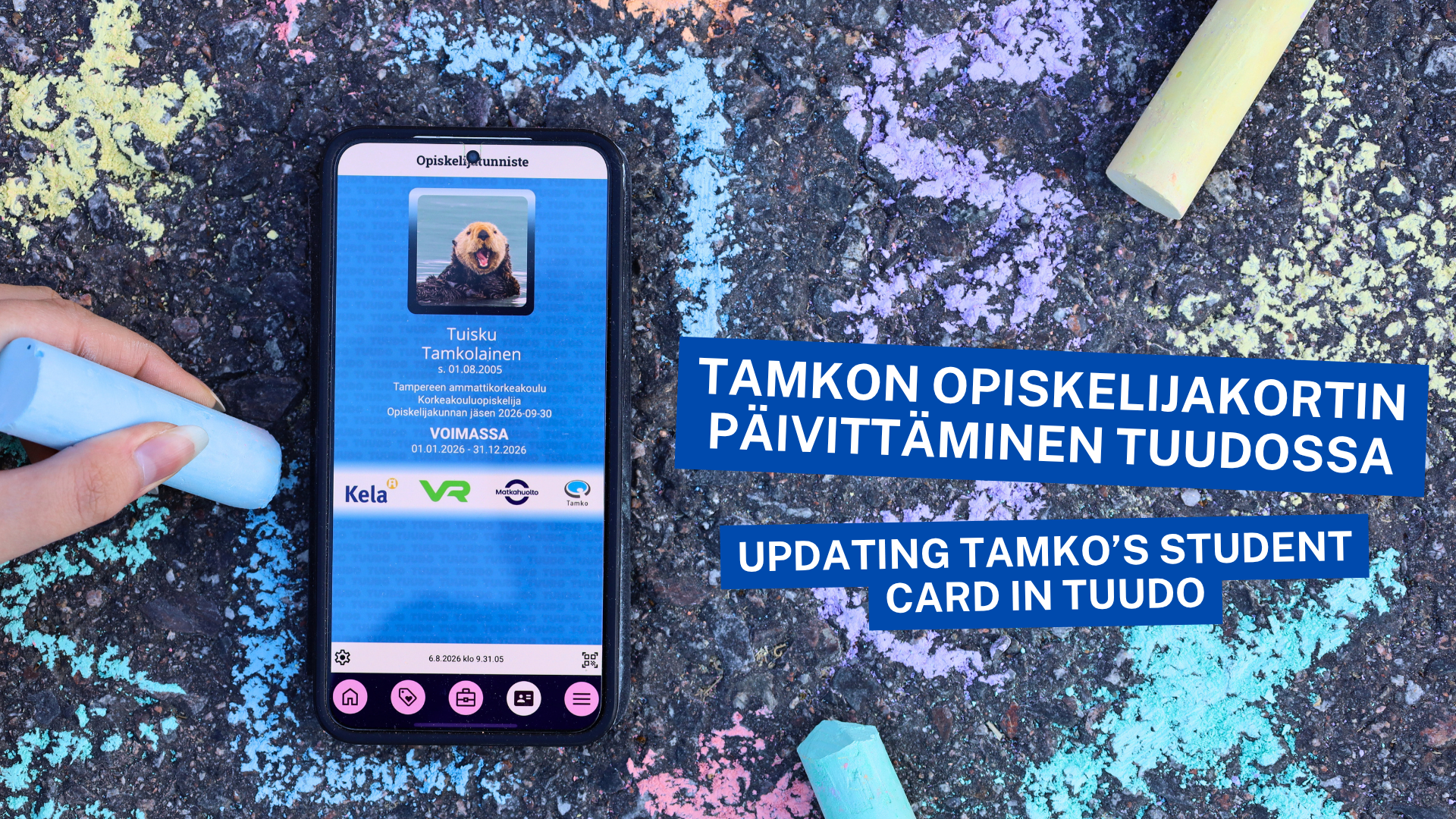
If you become a Tamko member you will get Tuudo’s mobile student card when you start your studies. See the post on how to update your Tamko student card!
Tuudo is a free application that is made to make students’ everyday life easier. In addition to Tamko’s student card, Tuudo also has timetables, course completions, room reservations, cafeteria menus, course enrolments and your calendar, pretty handy!
Card options:
Pink meal subsidy card
– entitles to Kela’s meal subsidy
– for all TAMK degree students
Blue Tamko’s student card
– includes all student benefits, including Kela, VR and Matkahuolto
– only for Tamko members
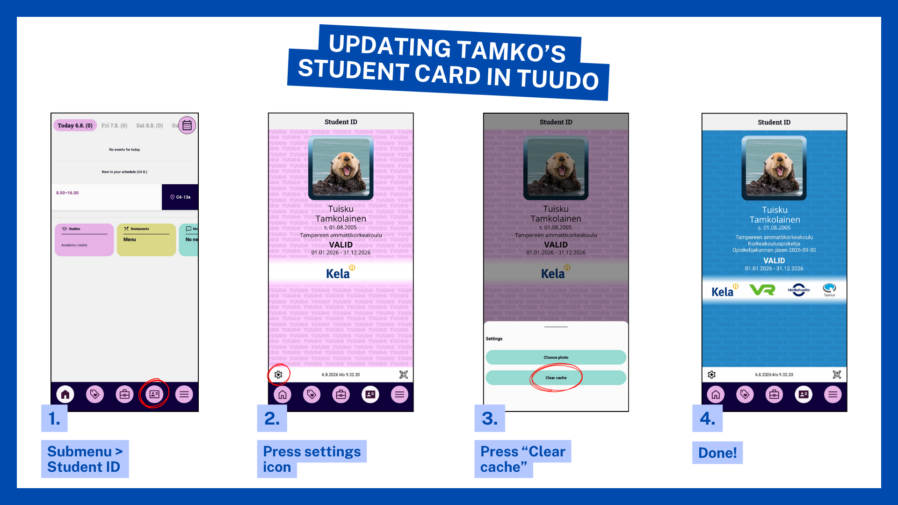
If you only see a pink meal subsidy card, even though you are a Tamko member and entitled to use a blue student card, follow these instructions to update your card.
First check the following:
- You have a valid Tamko membership
- You have added your student number to your membership information (You can check this by logging into our online service at https://asiointi.tamko.fi/ and add your information if necessary)
- Your study right period has begun and you are present student
If all the above things are in order, see the photo instructions below for updating your student card: